
Short answer: If an airbag warning light is on, a car diagnostic scanner can be a useful first information step, but it does not make the vehicle safe or identify the repair by itself. The current Tooltopdon listing describes access to SRS alongside engine, ABS and transmission systems, with fault-code reading and clearing after repair. TOPDON's manual says to read the vehicle service manual, switch the ignition off before connecting or disconnecting the cable, and avoid operating the tool while driving. Confirm the exact vehicle and system support before purchase, record the code before clearing anything, and have safety-critical faults assessed by a qualified repairer.
What the listing says about an airbag light
The current product page places SRS within a four-system list alongside Engine, ABS and Transmission. It also describes 4-in-1 graphic live data and says that diagnostic trouble codes can be erased after repair. Those are documented product functions, not a promise that every airbag module, vehicle or model year will communicate with the scanner.
| Question | Documented position | Boundary before use |
|---|---|---|
| Is SRS mentioned? | Yes, in the four-system listing | Confirm the exact vehicle and SRS module |
| Can a code be cleared? | The listing describes clearing after repair | Clearing is not the same as repairing or validating safety |
| Can live data be viewed? | The listing describes up to four graphic streams | Available data depends on the vehicle and selected system |
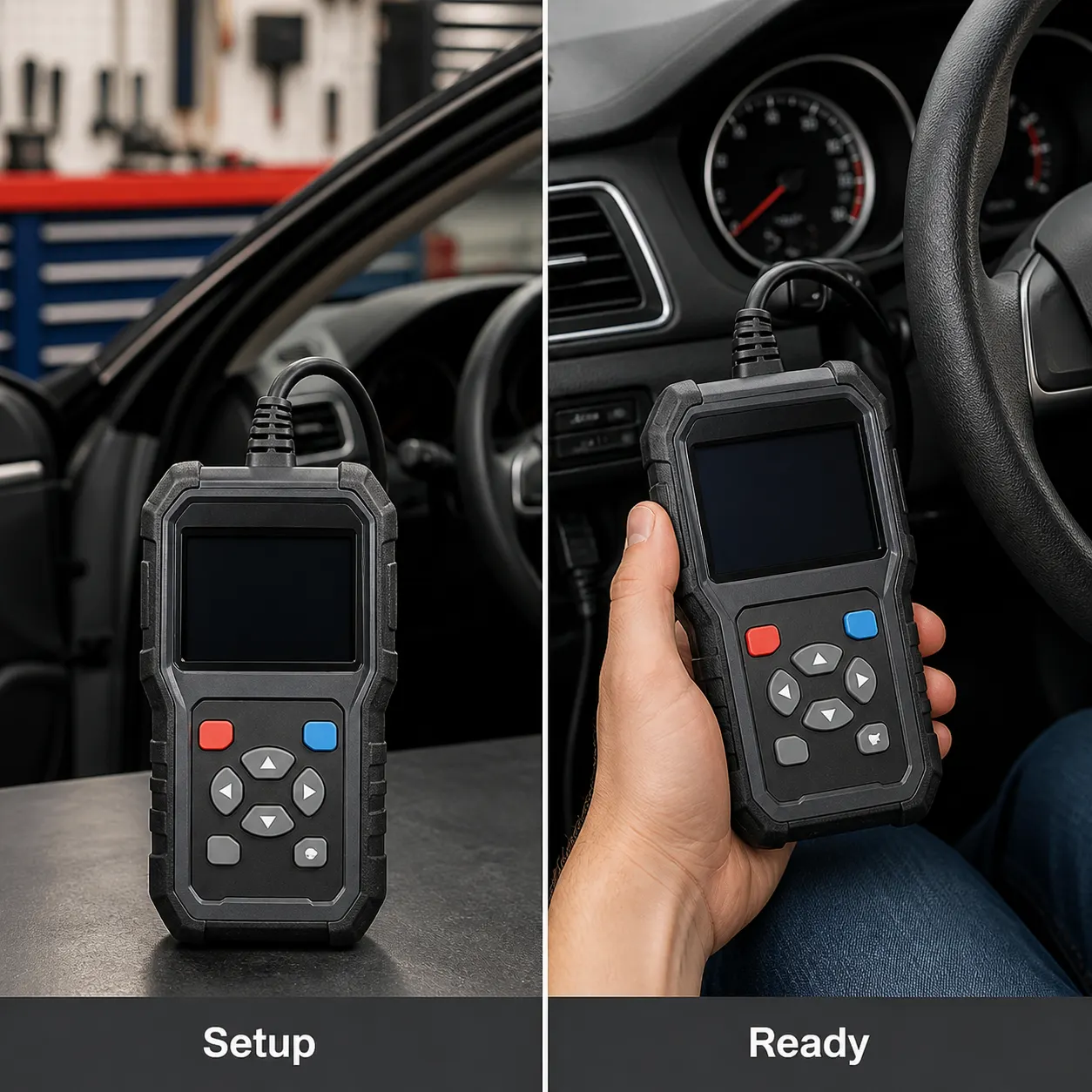
Use a scan as information, not an airbag repair
An SRS warning may relate to wiring, a connector, a sensor, a control module or another condition that the code alone cannot prove. Do not probe, disconnect or disturb airbag components merely because a code points to a circuit. The official TOPDON manual requires the vehicle service manual to be read and its precautions to be followed before a test or service procedure.
- Park safely, prevent the vehicle from moving and do not operate the scanner while driving.
- Read the exact vehicle and system instructions before connecting the diagnostic cable.
- With the ignition off, connect the cable as directed and capture the code, system name and displayed information.
- Use the code as evidence for the next diagnostic step; obtain qualified repair advice before clearing or disturbing an SRS fault.
What to record before choosing the next step
Keep the warning-light state, exact code text, vehicle identification details, recent repairs and any other dashboard warnings together. This makes a conversation with a repairer more useful than a bare statement that the airbag light is on. If the scanner cannot communicate, stop rather than repeatedly cycling through menus or assuming that no code means no fault.
Limits and high-risk safety boundary
Neither the retailer listing nor the cited TOPDON material establishes universal SRS compatibility, a repair diagnosis, a safe-to-drive result, a replacement procedure or a successful reset for a particular vehicle. Do not clear an airbag warning simply to hide it, and do not work on pyrotechnic restraint components from a blog procedure. Follow the vehicle service manual and use a qualified repairer where the fault concerns occupant protection.
Related guides and product details
Use the documented SRS function only as a controlled information step, then match the code to the vehicle service information or a qualified repairer before ordering or repairing. Read Engine, ABS, SRS and Transmission Scanner: What to Compare for related guidance. Read OBD2 Scanner for ABS and SRS in the UK: Buying Checks for related guidance. Review the documented specification on the TOPDON OBD2 diagnostic scanner (AD500-A listing) product page before ordering.
Sources and safety context
- Supports the retailer's stated SRS access, four-system list, live-data description and post-repair code-clearing wording Current Tooltopdon product page.
- Supports reading the vehicle service manual, ignition-off cable handling and the instruction not to operate while driving TOPDON ArtiDiag500 User Manual.
- Provides the manufacturer's four-system context for the diagnostic feature discussion TOPDON ArtiDiag500 official product page.